
Building a good playlist is slow
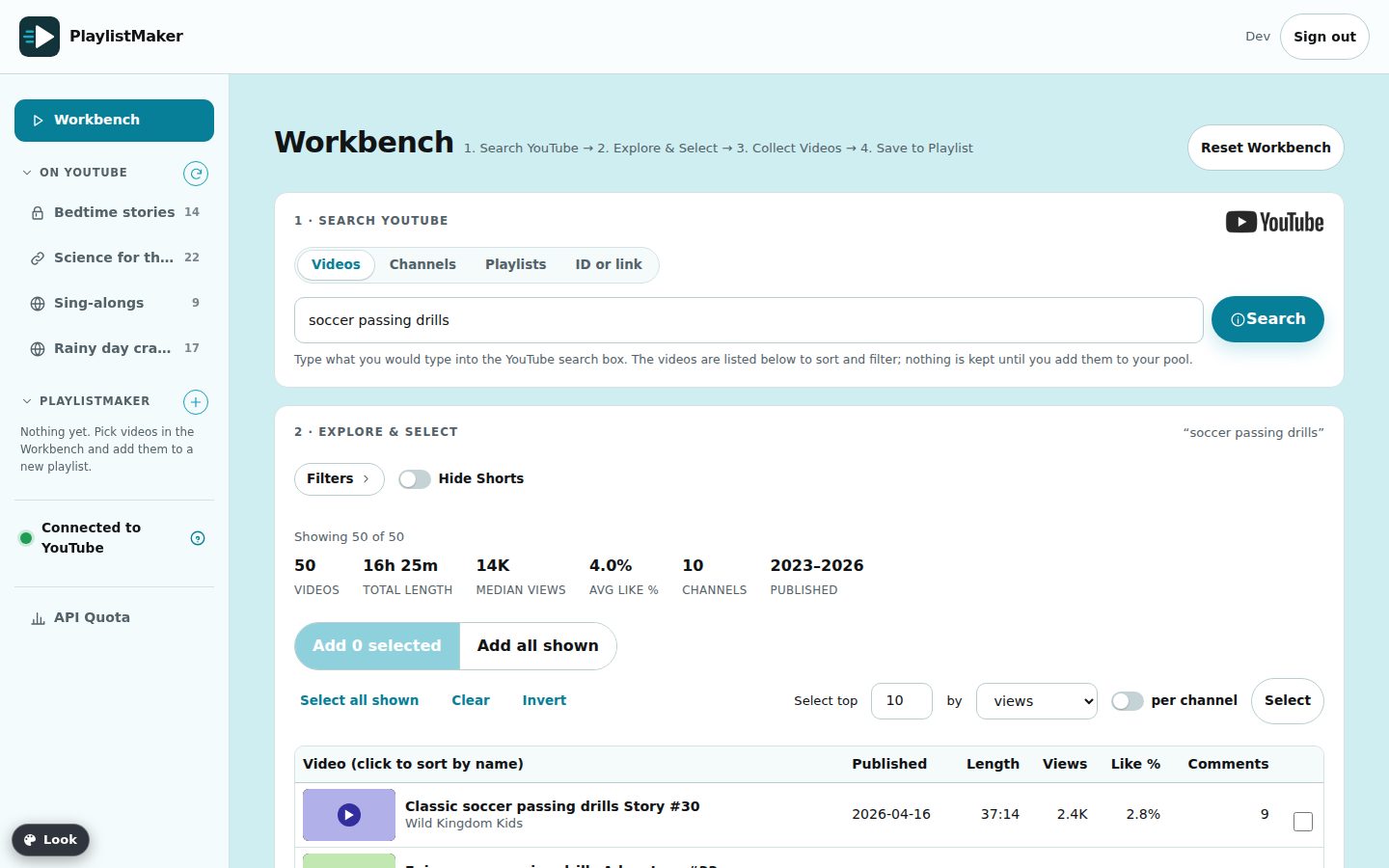
Search results are a feed ranked for you, and adding a video is a save button on each one. There is no way to compare length, views and likes side by side, or to leave out every Short at once.
Playlist builder for YouTube
PlaylistMaker gives you several ways to search YouTube, lets you sort and filter every result by what matters (length, views, likes, age), and publishes the videos you keep as a playlist in your own YouTube account.
Sign in with Google to publish to YouTube, or use an email address and password to build lists first. What we do with your data
1 · The problem
A parent planning screen time, a teacher gathering lessons, a coach collecting drills, or anyone who wants a clean list for a long drive wants the same thing: only the videos they chose, in the order they chose. A playlist is one of the few tools YouTube offers for that, but building and maintaining a good one is harder than it should be.
Search results are a feed ranked for you, and adding a video is a save button on each one. There is no way to compare length, views and likes side by side, or to leave out every Short at once.
Reordering, removing and replacing videos happens one at a time, and videos that go private or get removed leave gaps. Nothing tells you until you press play.
Turning a warm-up list into a game-day list, or a bedtime list into a road-trip list, means rebuilding it by hand or editing the original and losing what it was.
2 · How PlaylistMaker solves it
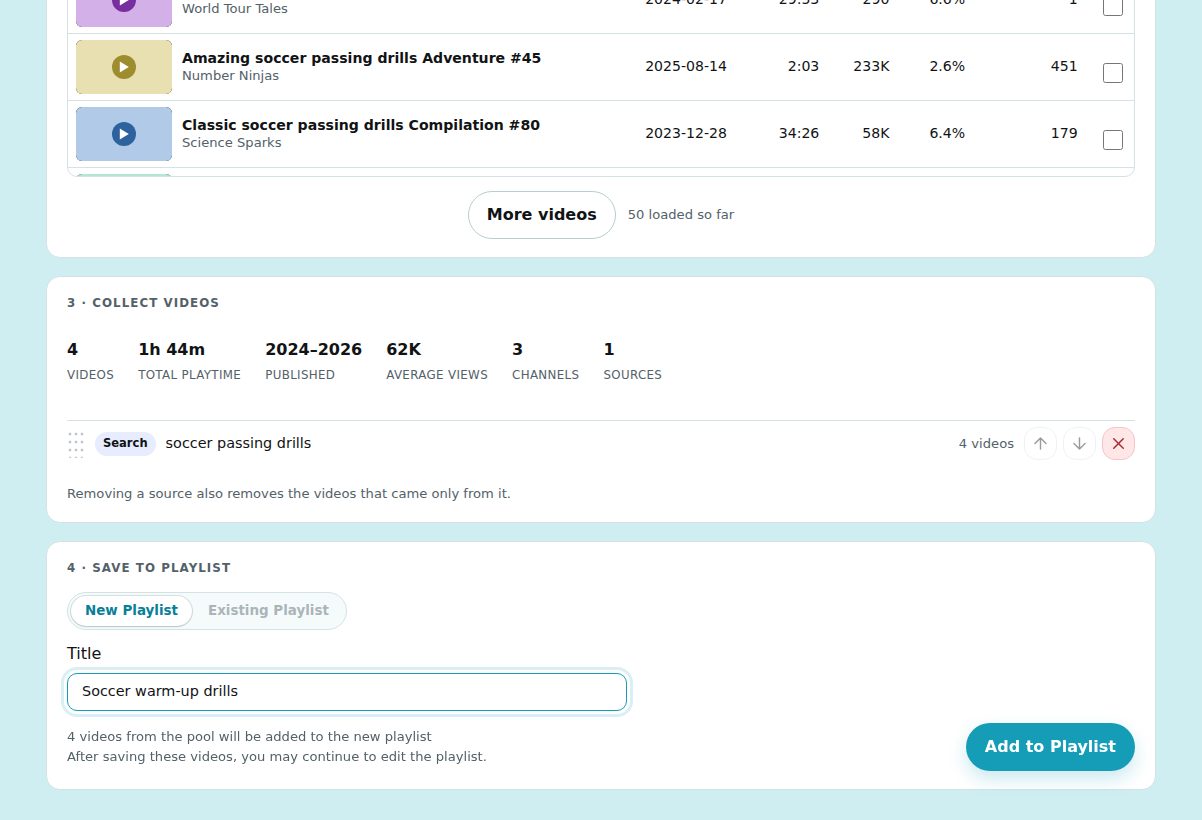
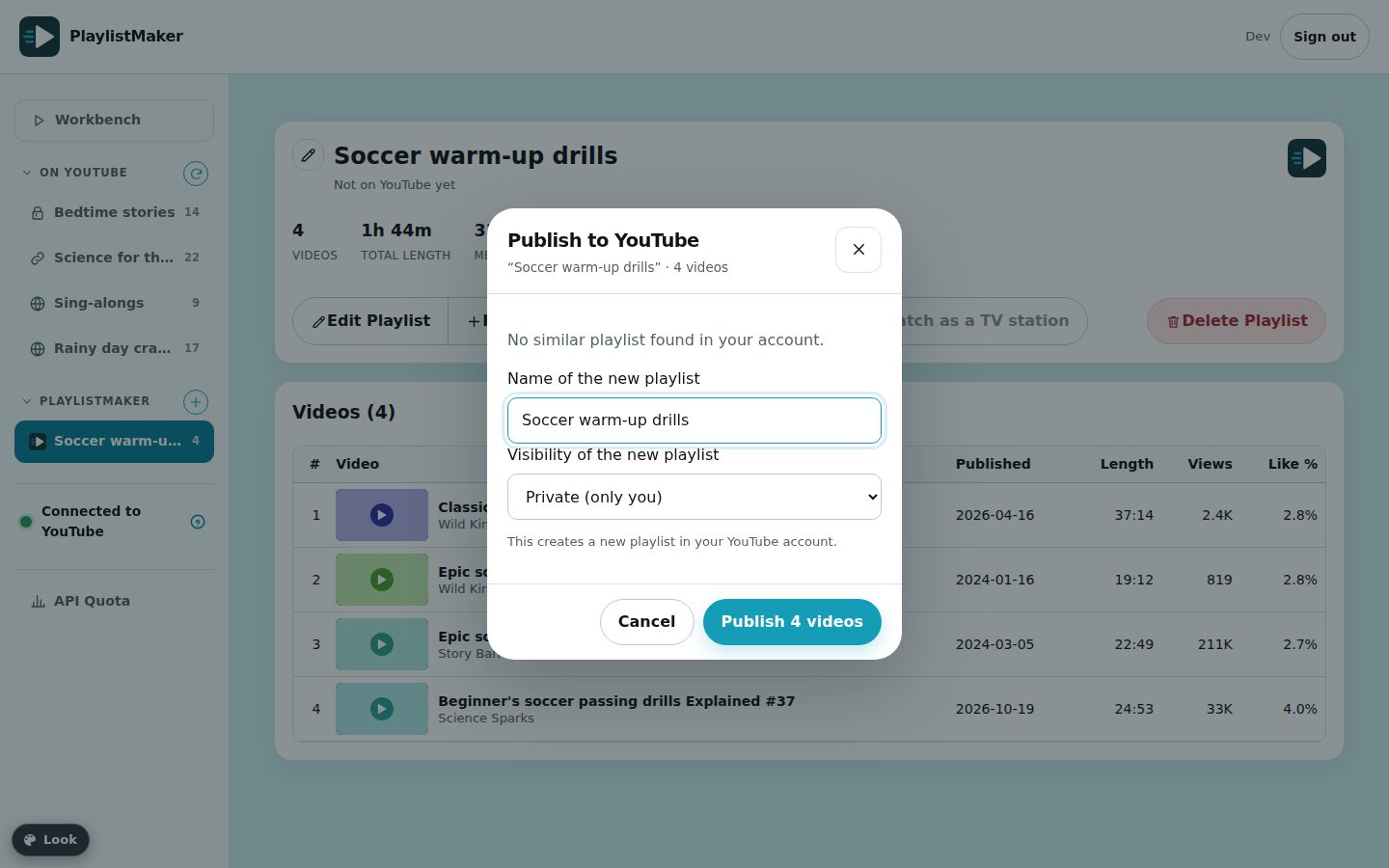
The Workbench walks you through four steps on one page. Nothing is written to YouTube until you press Publish and confirm.
3 · More to love
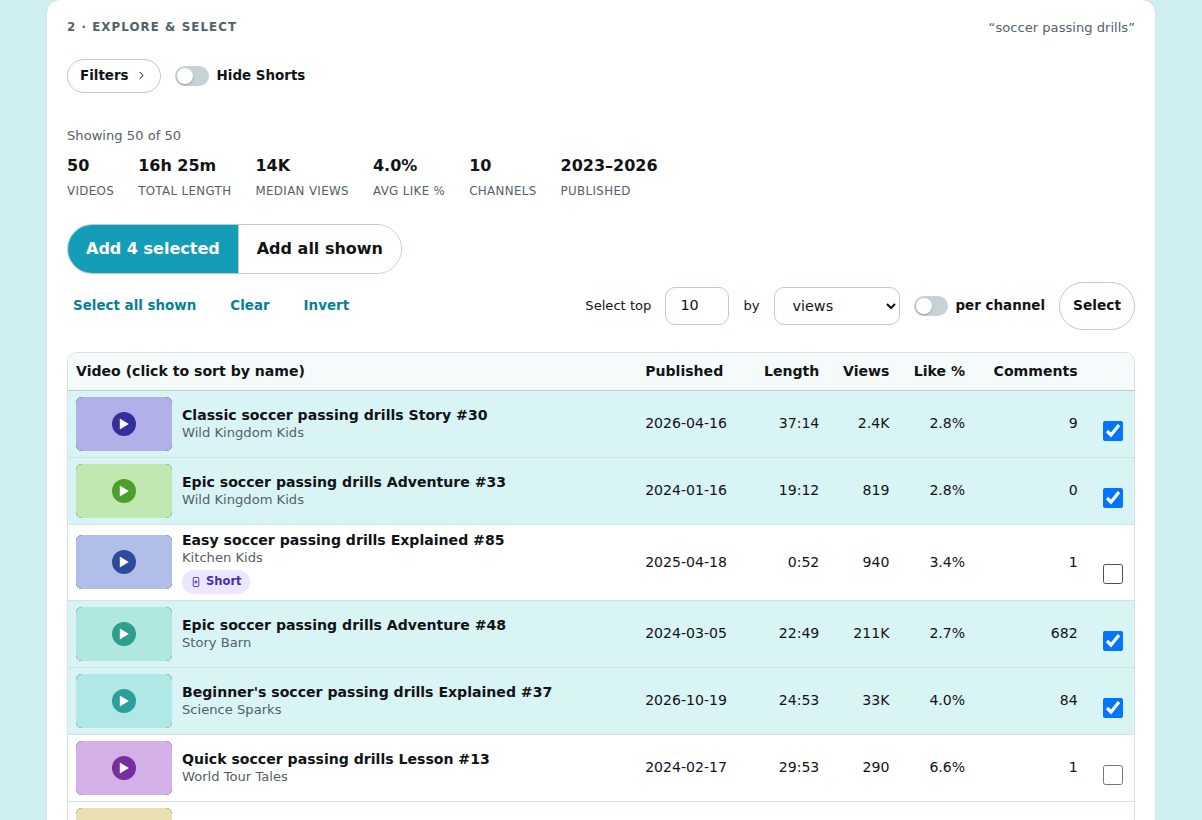
Totals, median views and average like rate for any set of videos. Filter by length, views, likes, date, channel and words in the title.
The same colour-coded flags everywhere, so a Short, a private video or a removed one never slips into a list unnoticed. Hide Shorts with one switch.
“Select the top 10 by views,” optionally per channel. Select all, clear or invert, and add the whole result set when you want it all.
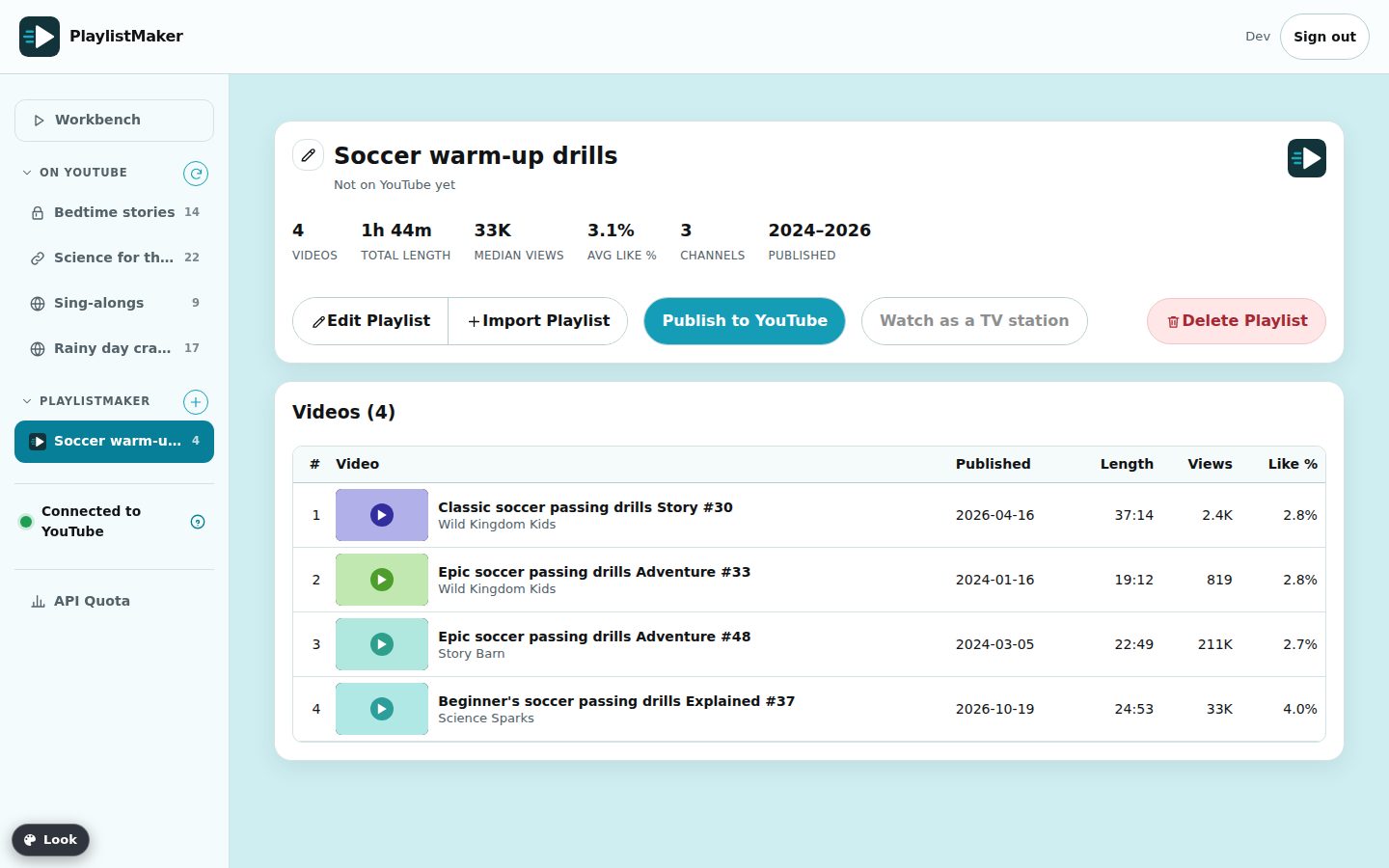
Copy any playlist or channel you can see into a list. Update on YouTube shows exactly what will be added, removed or moved before it changes anything.
Build big lists in PlaylistMaker. YouTube limits how many changes an account can make in a day, so each publish is capped at 150 videos, and we check your allowance before starting, never half way.
The whole app adapts to phones and tablets, and can be added to your home screen like an app.
Use the Look button inside PlaylistMaker to switch between six interface styles: the calm Classic, the dark Signal control room, the editorial Paper, the bold Crate, the glowing Aurora and the TV-inspired Channel. Same features, different mood. Your choice is remembered on your device.
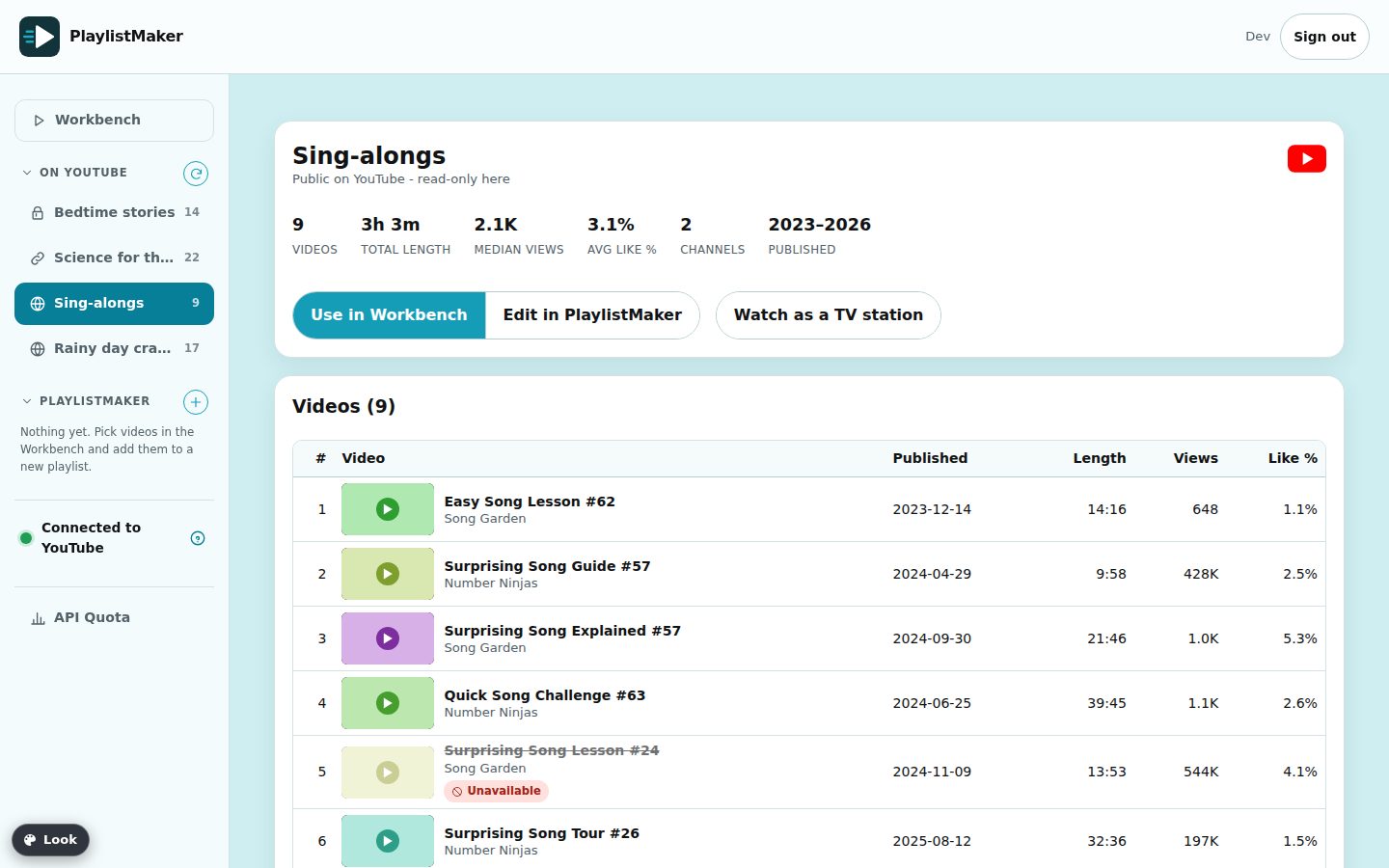
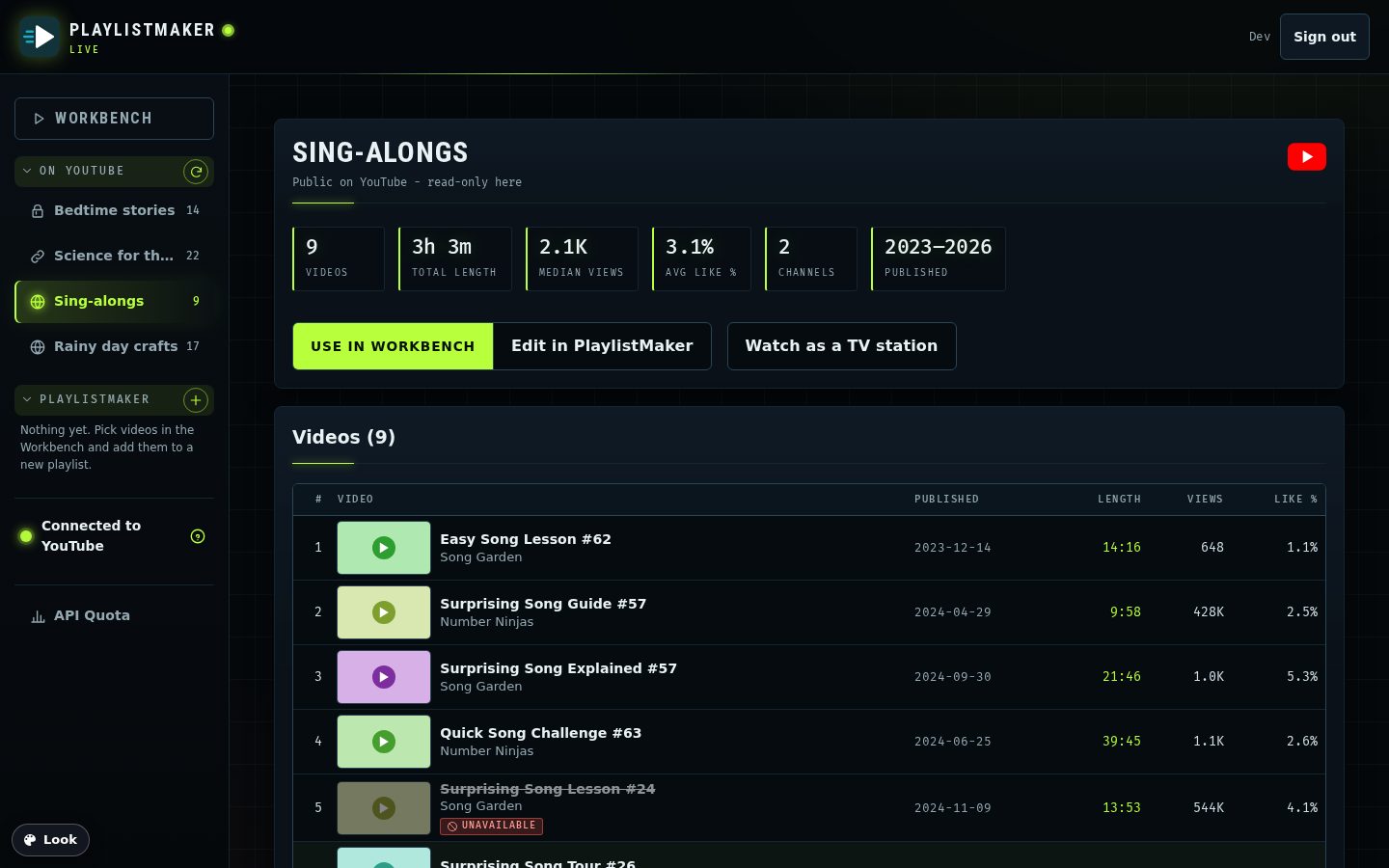
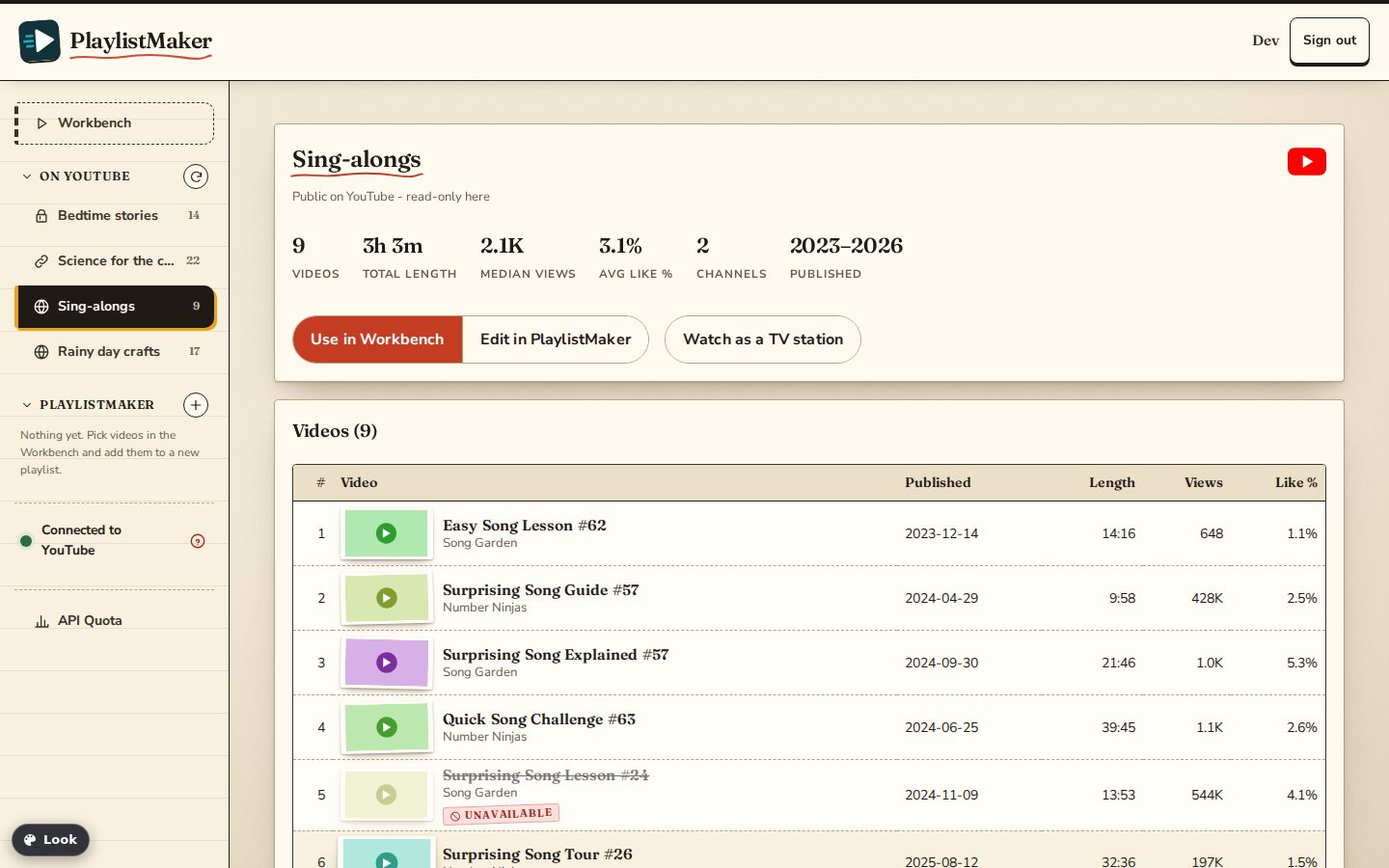

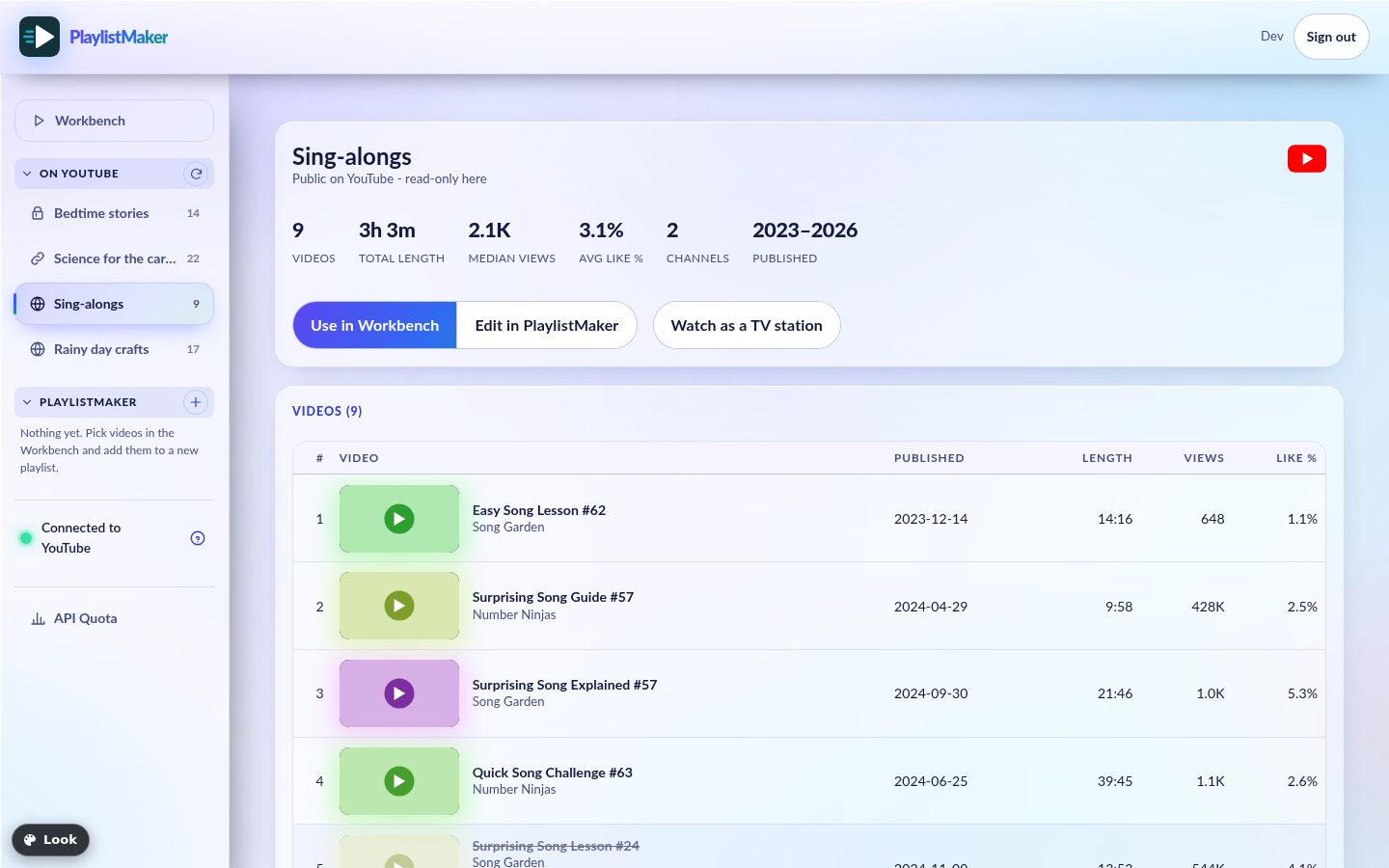
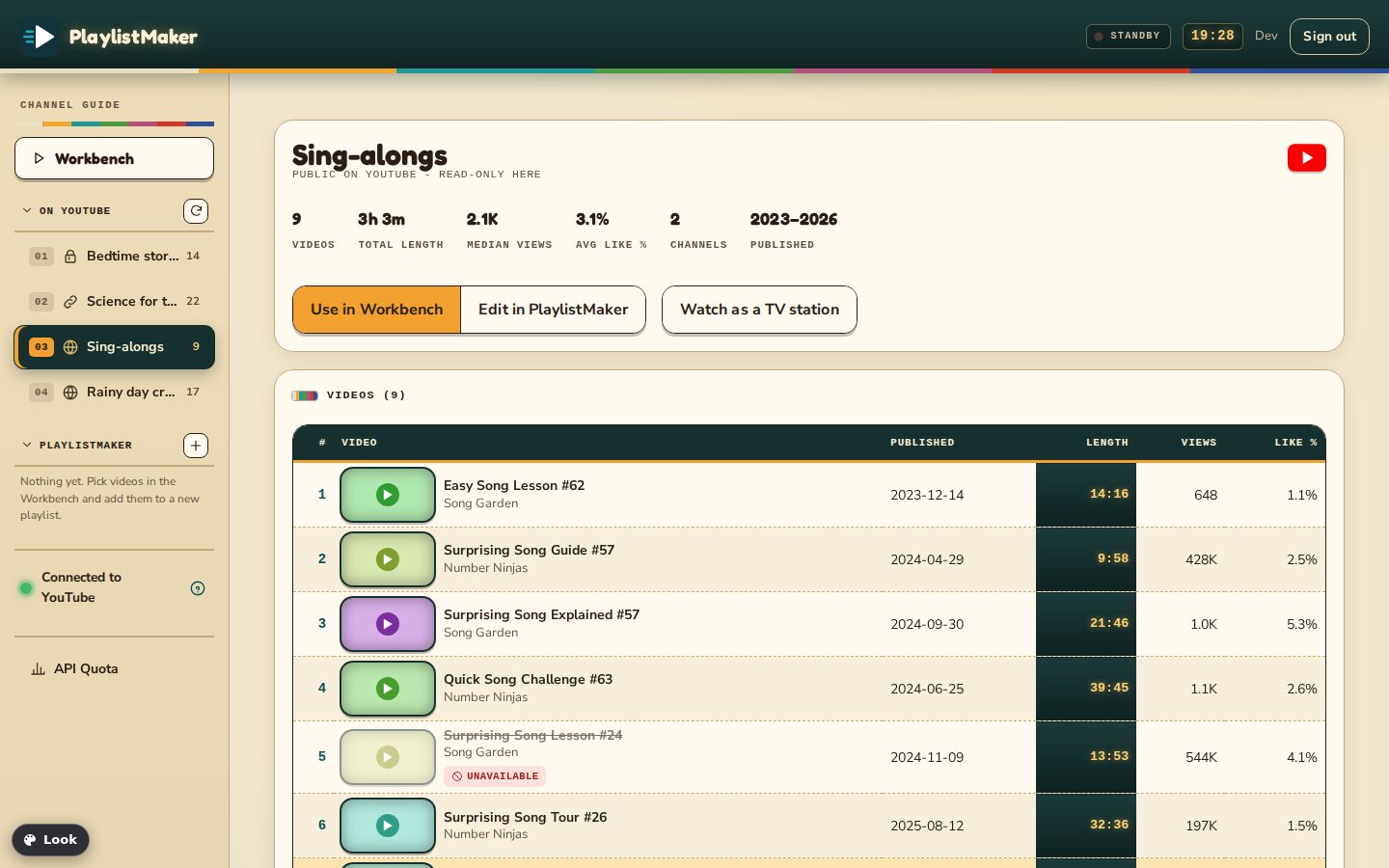
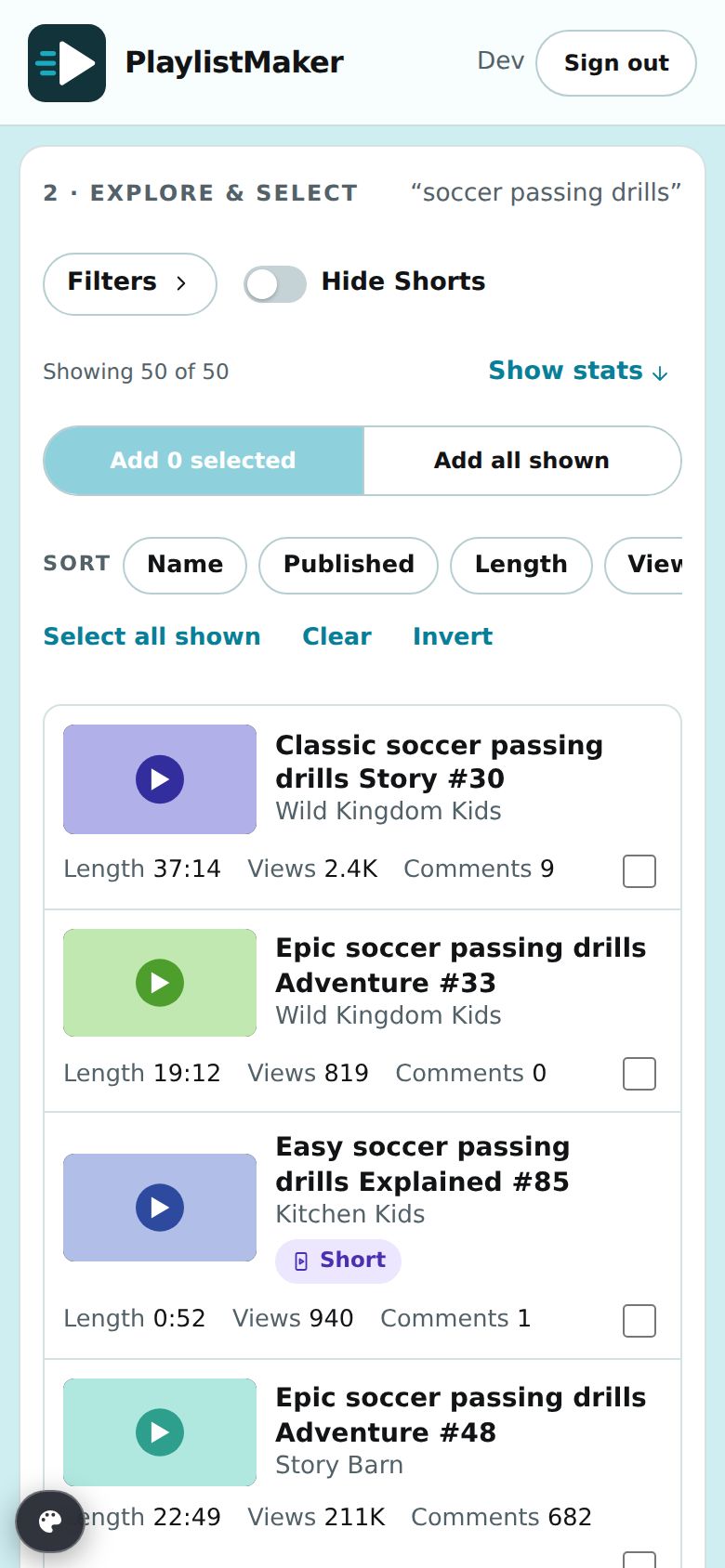
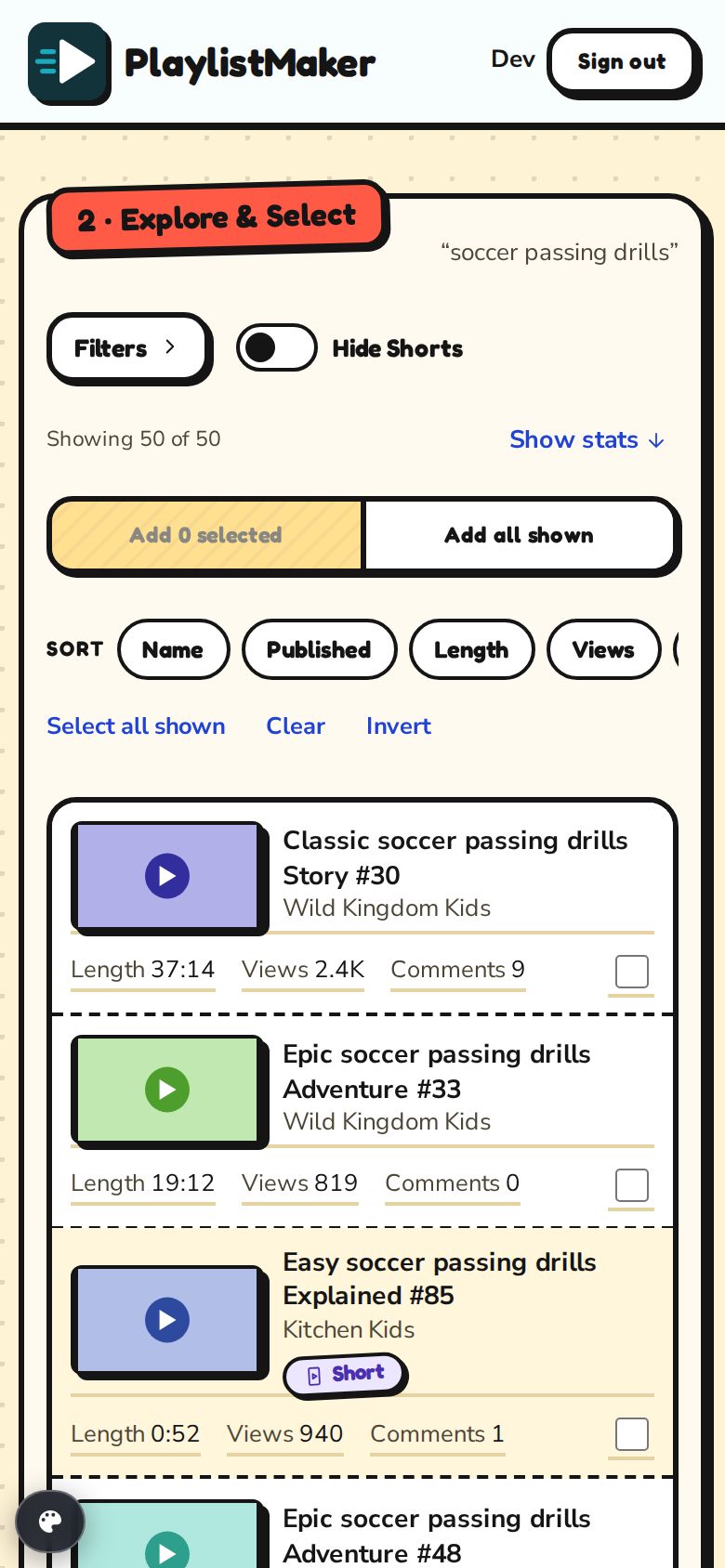
Made for small screens too. Results become touch-friendly cards, the sidebar becomes a menu, and every step of the Workbench works with one thumb.
4 · Your data, in short
PlaylistMaker’s use and transfer to any other app of information received from Google APIs will adhere to the Google API Services User Data Policy, including the Limited Use requirements. Read the full Privacy Policy and Terms of Service.
Sign up with Google or an email address. You decide when anything is published.